So I use a Mac in my new job and I’m striving to recreate all my familiar Windows behaviors. So far, my two biggest wins are that
1] Keyboard Maestro does a terrific job:
- not only is it easy to set up new keystrokes (like I used to do in AutoHotKey),
- but the “insert date” keystroke I implemented with it runs faster than the one I created using Automator. slick!
- I still haven’t found a way to create accelerator keys for menus, but a keystroke for dropping the File menu is an okay start:
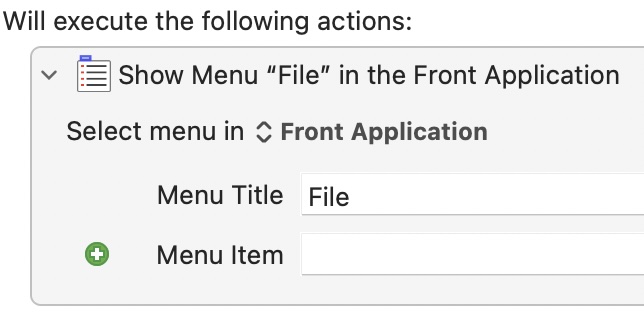
2] Documents can be added to the LaunchPad:
- I use this to launch my fave white noise MP3. handy!
 Kudotek v2.0