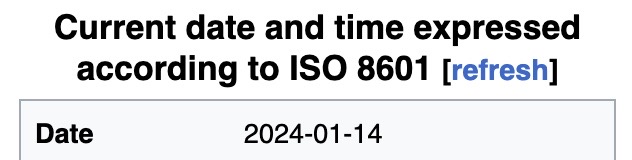
My entirely-unsolicited advice about dates:
1] Get into the habit of putting the current date in files and filenames!
- When I’m taking notes, I put the date at the very beginning of a file’s name
- When I’m saving a (non-notesy) file, I’ll put the date at the end of the file’s name1
2] Start thinking in YYYY-MM-DD format!
- Salesforce stores dates, and the date part of datetimes, in this format. Getting proficient with this format helps me work with Salesforce data.
- The good people who standardize such things (ISO, which it turns out is neither an acronym or an initialism) dictated this standard because it makes computers happy: it
- is consistent across languages
- has a consistent length
- alphabetizes in chronological order
- can be consistently truncated to get just-the-year or just-the-year-and-month
- is Y2K compatible (whoo, that takes me back)
okay, tirade over. Happy belated new year, y’all.
Update: create a YYYY-MM-DD datestamp with a keyboard shortcut!
- Why? Because that way I can update the date whenever I make a meaningful revision to the file.
The date a file was last modified isn’t always helpful. There are plenty of times I might tweak a file’s format, or fix a minor typo–and those changes don’t rise to the level of a “revision”, imo.
Consciously choosing whether or not to revise the date at the end of a filename helps me truly know its sell-by date.
Here’s an example of a random folder on my drive, filled with assorted files and documentation: ↩︎

. . . notice how
- the notesy files capture the date I took the notes (at the beginning of the filename, which 1. alphabetizes them at the top of my folder, 2. in chronological order), and
- the Visualforce file “Custom Console Component – Example 2017-04-13.vfp” has a date at its end, which captures the last time I made any meaningful revisions to it.
 Kudotek v2.0
Pingback: Wanna Date? Part 2 | Kudotek v2.0